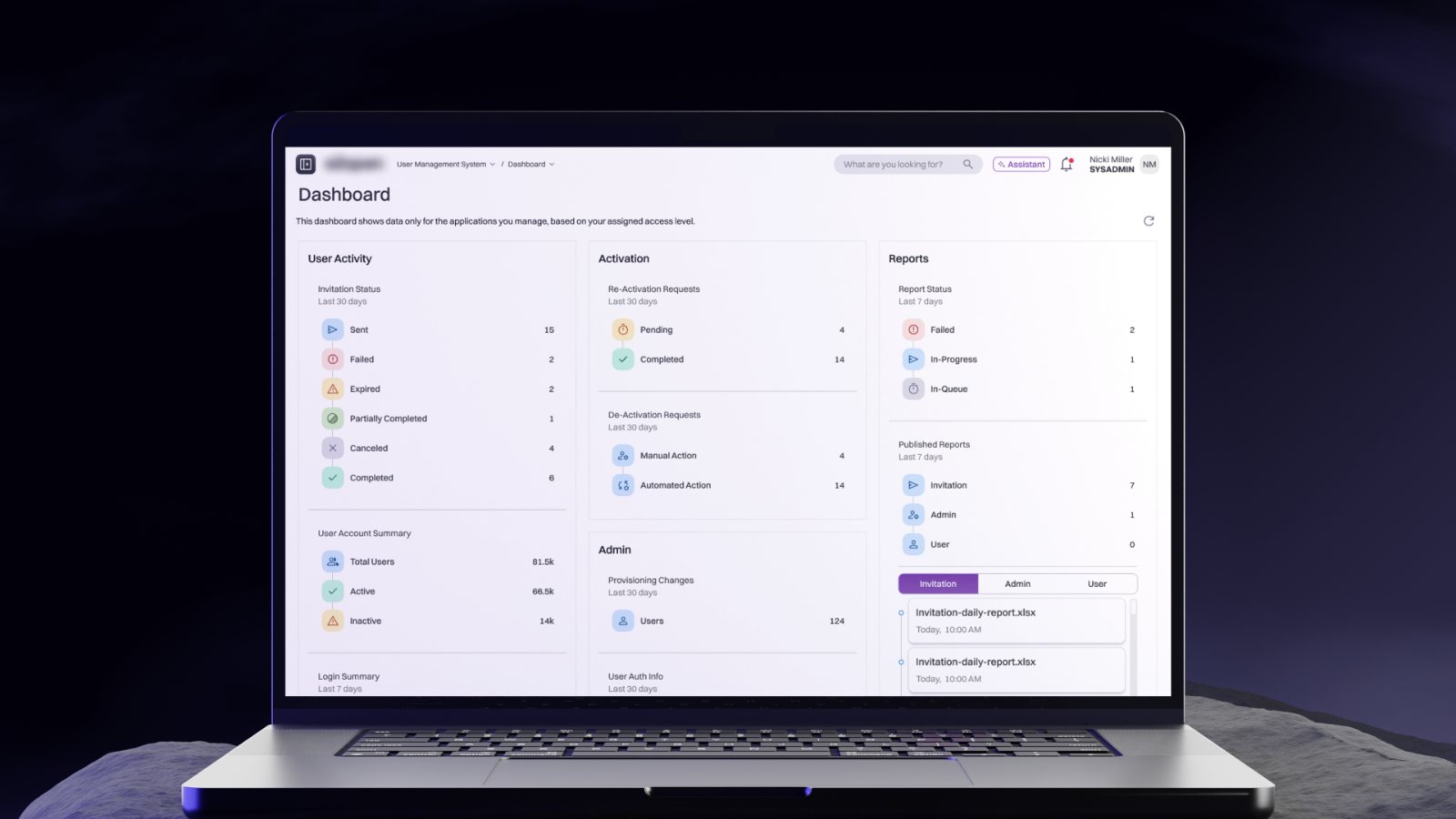
Connected Scenario Planning
Breaking down data silos between supply, demand and inventory planning. One what-if scenario that spans every pillar instead of stopping at one application's border.
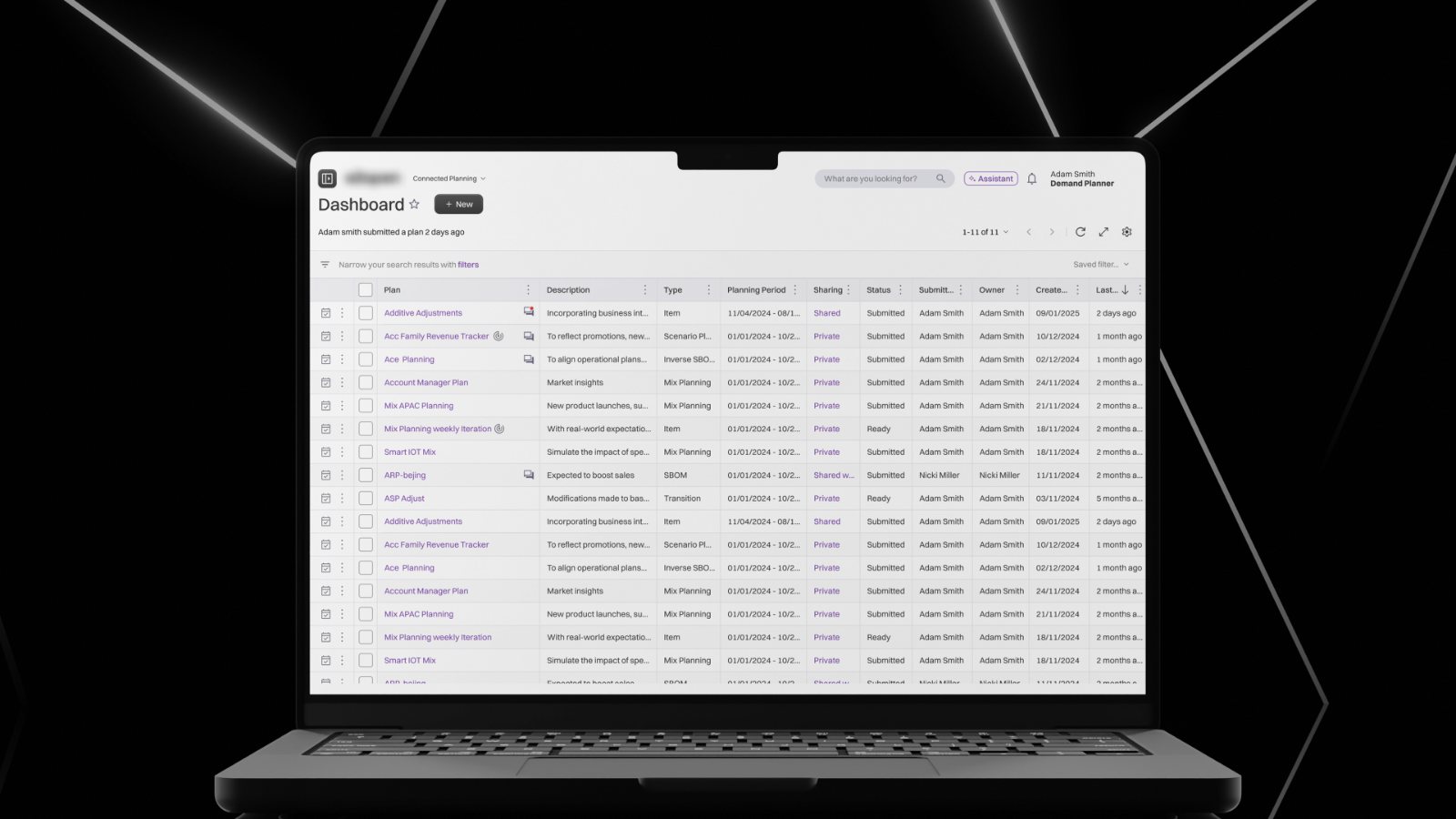
Every planning application modeled its own future, none of them together
The platform is split into planning "pillars", each its own application: supply planning, demand planning and inventory planning. Each already had a "scenario" feature: a sandbox copy of live data where planners could test hypothetical changes before committing to them.
A scenario built in one pillar's application was invisible to the others. A planner modeling a new product launch's supply impact had no way to see how that change would ripple into demand forecasts or inventory levels. Every "what if" lived in its own bubble.
A new Global Scenario spans multiple pillars at once. A change made in one place shows its effect across supply, demand and inventory together, in a single connected view.
Two hard problems, not one
This was a new, standalone application built to sit on top of and connect three existing, previously-siloed applications.
Scenario visibility was made customizable, not automatically global.
When creating a scenario, the planner chooses which applications should see it: supply and demand, say, but not inventory. The same scenario then surfaces inside each of those individual applications too, not just the connected app. Not every scenario matters to every team; forcing it into every application by default would just add clutter for planners who don't need it there.
Global scenarios needed two entry points, not one.
A planner could start in the new connected app, or they could be deep inside their own application's routine workflow and realize mid-task that they need cross-pillar visibility. That meant the same "make this global" capability, including the app-scope selector, had to be woven into each pillar application's existing, already-shipped scenario-creation flow instead of being designed fresh in one new place. Each application's own "Create Scenario" screen had a different layout and different fields already in production. The interaction had to stay consistent while sitting inside interfaces that were never built to support it.
Walking through the final flow
{{ screen.desc }}
What this changed
No hard metrics captured yet; the impact here is described qualitatively.
One coherent model of a hypothetical change instead of three disconnected simulations, with control over exactly where it's visible and no need to leave their native application to access it.
A single promote action turns an approved scenario into the real plan across every connected pillar at once, replacing what would otherwise be manual, repeated updates across separate applications.